
Lead generation forms are the lifeblood of any B2B SaaS. But embedding a third-party iframe ruins your conversion rate and hurts your core web vitals.
In this tutorial, we will build a 100% custom, headless lead generation form using Next.js 15 Server Actions, Zod for validation, and Formix for the backend infrastructure.
Step 1: Generate the Backend with Formix
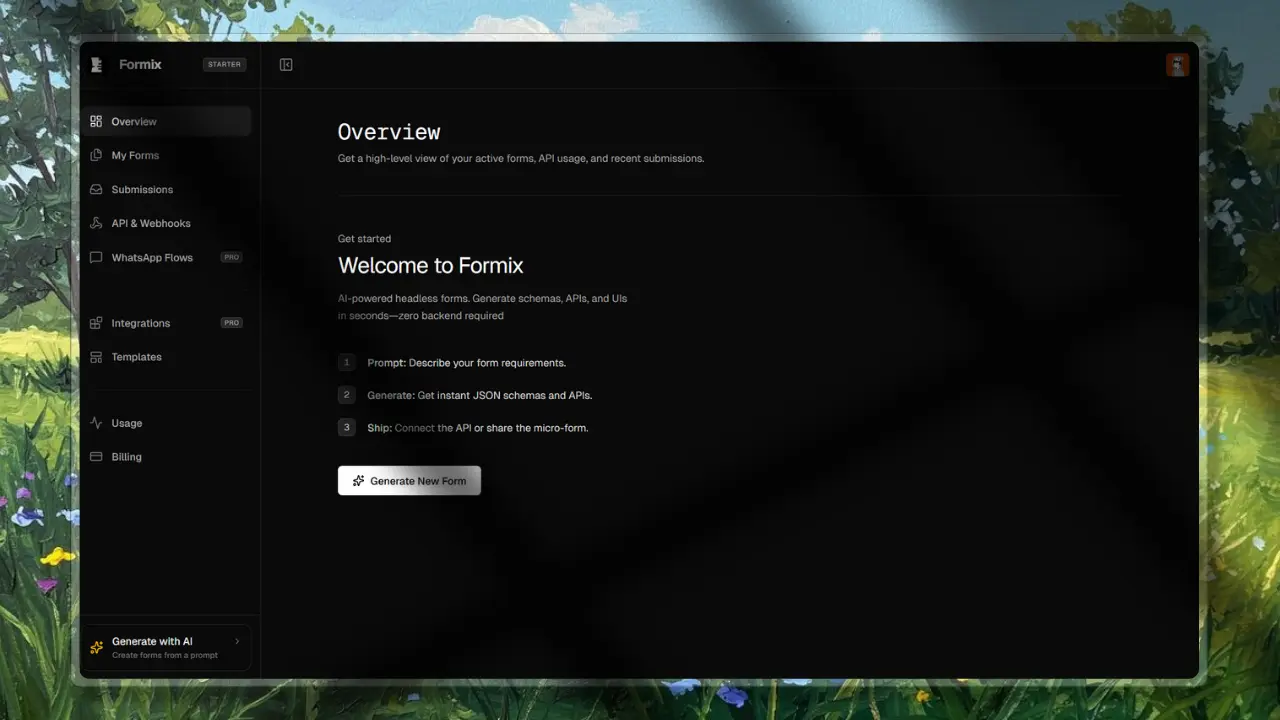
First, log into your Formix dashboard and hit "New Form". Use this prompt: "Create a B2B Lead Gen form asking for First Name, Last Name, Work Email, Company Size, and Primary Use Case."
Formix will instantly provision a Postgres table, a JSON schema, and a secure API endpoint. Grab your Secret API Key and your Form ID.
Step 2: Next.js Frontend & Zod Schema
In your Next.js app, define a Zod schema that matches what you just generated in Formix. This ensures your data is validated before it hits the server action.
// lib/validators.ts
import { z } from "zod";

export const leadGenSchema = z.object({
  firstName: z.string().min(2, "First name is required"),
  lastName: z.string().min(2, "Last name is required"),
  workEmail: z.string().email("Invalid email address"),
  companySize: z.enum(["1-10", "11-50", "51-200", "200+"]),
  useCase: z.string().min(10, "Please provide more detail"),
});
Step 3: The Server Action
We use Next.js Server Actions to securely securely transmit the data to Formix without exposing our API keys to the browser.
// app/actions/submit-lead.ts
"use server";

import { leadGenSchema } from "@/lib/validators";

export async function submitLead(formData: FormData) {
  const data = Object.fromEntries(formData.entries());

  // 1. Validate on the server
  const parsed = leadGenSchema.safeParse(data);
  if (!parsed.success) {
    return { error: "Invalid form data provided." };
  }

  // 2. Transmit to Formix Headless API
  try {
    const response = await fetch(
      `https://formix.dev/api/v1/submit/${process.env.FORMIX_LEAD_FORM_ID}`,
      {
        method: "POST",
        headers: {
          Authorization: `Bearer ${process.env.FORMIX_API_KEY}`,
          "Content-Type": "application/json",
        },
        body: JSON.stringify({ data: parsed.data }),
      },
    );

    if (!response.ok) throw new Error("Failed to save lead");

    return { success: true };
  } catch (error) {
    console.error("Submission error:", error);
    return { error: "Something went wrong. Please try again later." };
  }
}
Conclusion
You now have a fully functional, highly-converting lead gen form. No iframes, no bloated CSS. Just pure React components communicating with a serverless backend.